Air hockey for Mac, made for touch. Put your fingers down, move your mallet, and challenge a friend.
Coming to the Mac App StoreFree download
Air hockey.
At your fingertips.
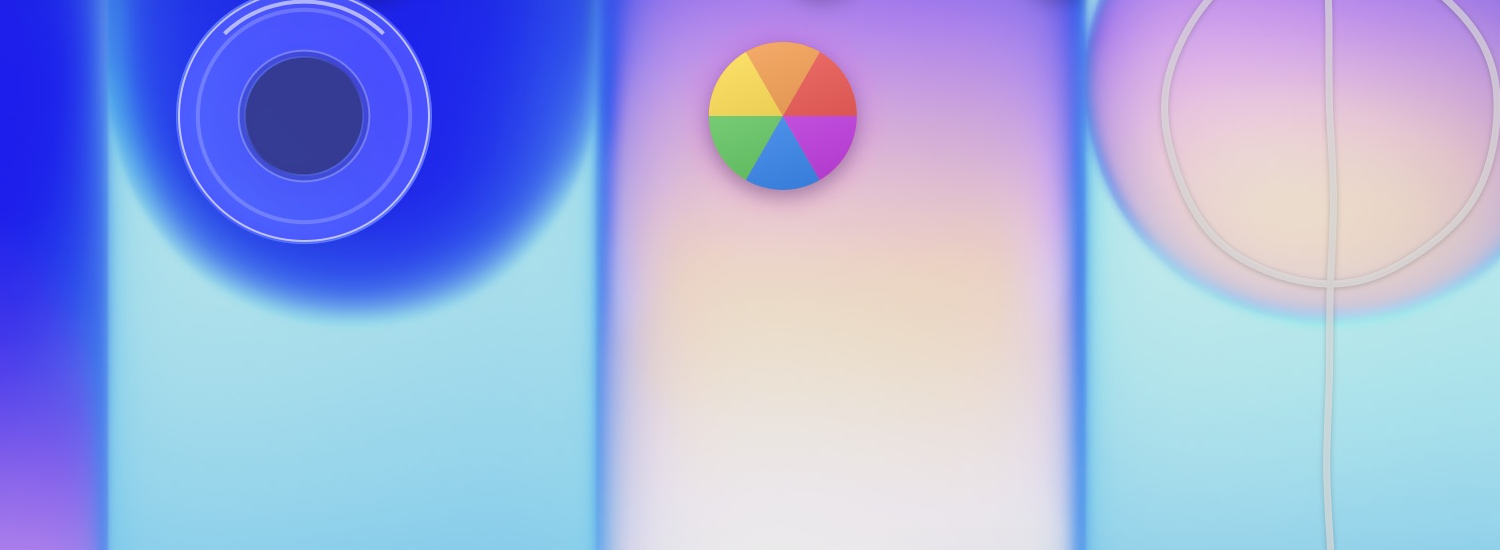
The beach ball bounces, little windows get in the way, and the red, yellow and green buttons become power-ups.
The goals borrow their shape from the notch. The Dock becomes an obstacle. It all plays out over your desktop, in a native Mac app.
Aim for the goal.
First to 7 wins. A goal with the beach ball scores 2 points.
Pick up power-ups.
Shrink your goal, enlarge the other one, or close an opponent’s window.
Stay on your side.
Cross the centre line and your mallet goes offside. Come back to get back in play.
Two players.
One Mac.
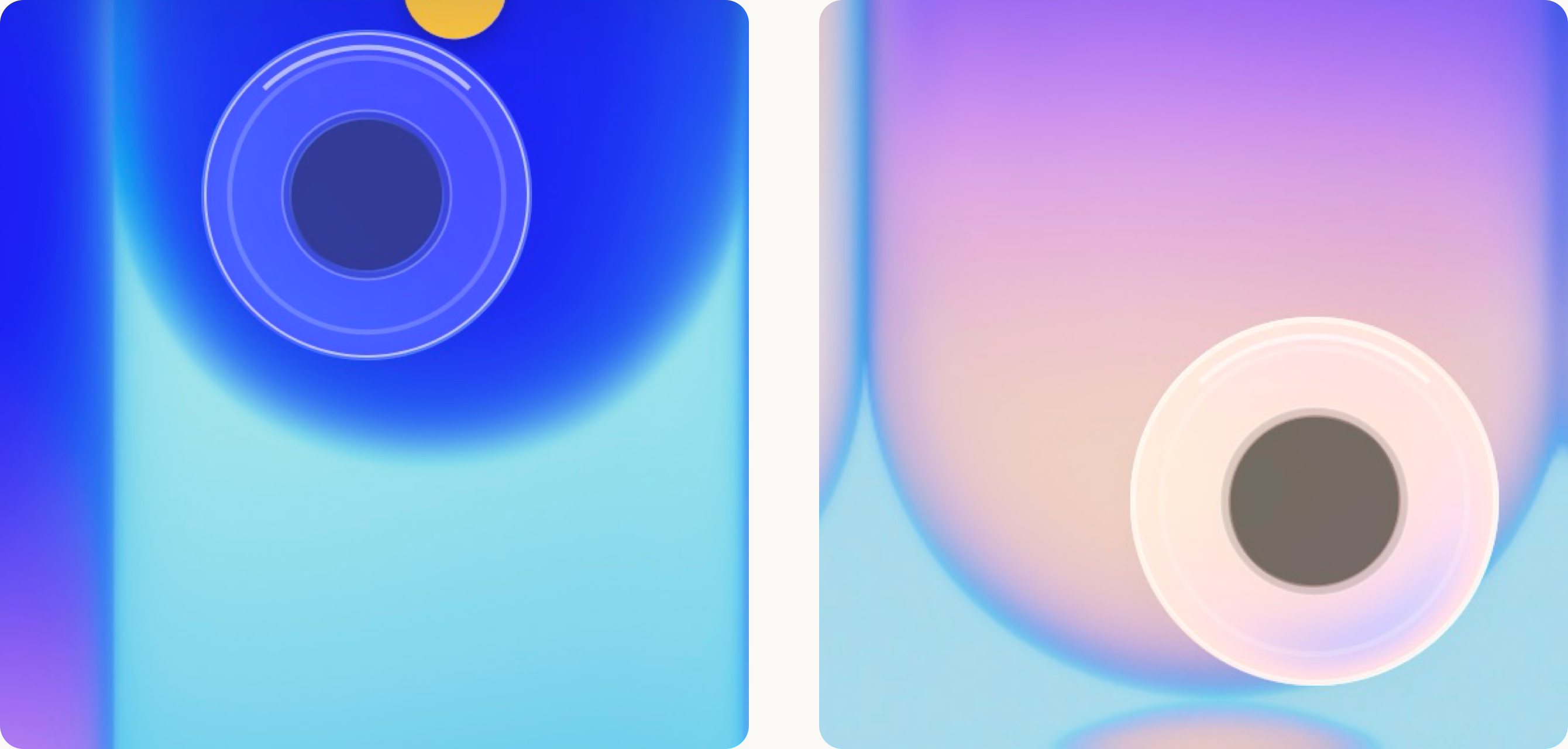
Play with your fingers, one player on each half of the screen. On a Mac with a trackpad, share it: one finger on each side, one mallet each. Mouse and keyboard controls are available too.
Before your first match.
All support ↗Which Macs are supported?
Beachball Island requires macOS 14 or later. Touchscreen mode needs a screen that supports direct macOS touch input. Mouse, trackpad and keyboard controls remain available. Native Liquid Glass requires macOS 26.
How does the demo work?
You get 5 free matches on this Mac. A match is counted after 30 seconds of active play. Leaving before then does not use a free match. Each restart begins a new 30-second grace period.
Do I need an account or connection?
No separate game account is needed. You can play offline. An App Store connection is needed to purchase or restore the full game.
Is it available yet?
Not yet. Beachball Island is being prepared for the Mac App Store. A download link will appear here at launch.